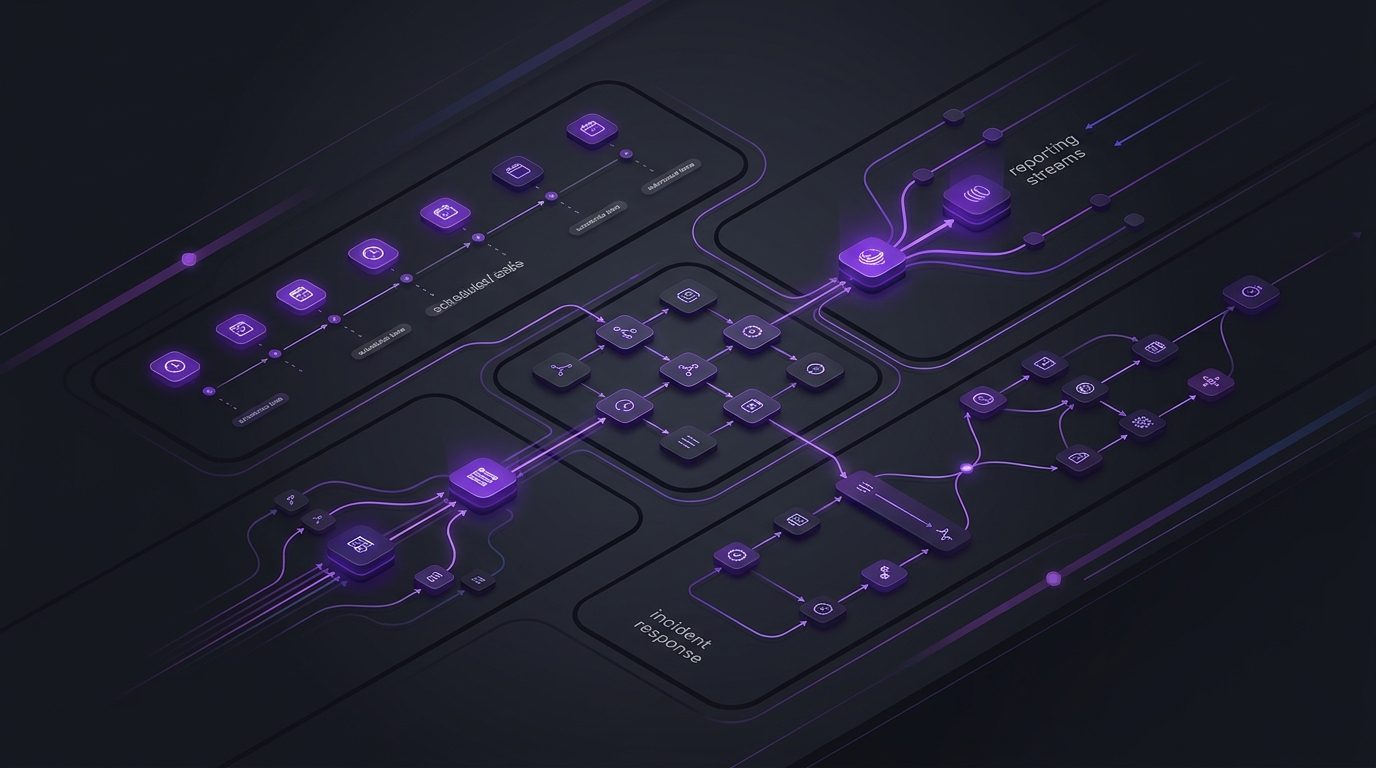
You can treat Cursor Cloud Agents and Cursor Automations as the backend of your digital operation: always-on workers that research, write, report, triage, and open pull requests on a schedule or when Slack, GitHub, Linear, PagerDuty, Sentry, or a webhook fires. For many teams, that pattern reduces the need for a stack of single-purpose SaaS tools that only move data between inboxes and dashboards.
This article explains how to set that backend up, when it can replace niche apps, and five scenarios—from daily blog publishing to incident response—that show how far the model goes.
Key takeaways
-
Cloud Agents run in isolated VMs with repos, secrets, MCP tools, and computer use—so they can execute work, not only draft text.
-
Automations add triggers (cron, source control, Slack, Linear, PagerDuty, Sentry, webhooks), memory across runs, and optional no-repo workflows for ops that never need to edit code.
-
The highest leverage usually comes from stitching systems you already pay for—Search Console, ads APIs, incident tools, CMS APIs—through MCP and secrets, instead of buying another orchestration app.
-
Keep specialized platforms for systems of record (billing, CRM, ad auctions). Use agents where judgment, research, and cross-tool assembly are the product.
What Cursor Cloud Agents actually are
According to Cursor’s documentation, Cloud Agents use the same agent fundamentals as local coding agents, but they run in isolated cloud VMs with full development environments: cloned repositories, dependencies, secrets, startup commands, and network access. They can build and test software, control a desktop and browser, and connect to external systems through MCP servers.
Automations are how you keep those agents always on. Cursor describes them as cloud agents that run on a schedule or in response to events from GitHub, GitLab, Slack, webhooks, Linear, and more. When a trigger fires, the agent spins up a sandbox, follows your instructions with the tools you configured, verifies its output, and can store memories so later runs improve.
Critically for operations work, automations can run with no repository when the job is Slack, MCP, webhooks, Linear, or PagerDuty only. They can also attach one repo or a multi-repo environment when the job should change code or open pull requests.
Why this makes many “ops apps” optional
A large share of modern SaaS for marketing and engineering ops does three things: collect inputs, apply a thin workflow, and push an output to email, Slack, or a CMS. Cloud Agents collapse that middle layer when the workflow is mostly research, judgment, and API calls.
Examples of tools that often become optional—not always deleted, but no longer required as a separate product:
-
Content-calendar bots that only schedule generic posts
-
SEO “weekly report” products that reformat Search Console exports
-
Zapier-style glue that only copies tickets between Slack and an issue tracker
-
Status-digest generators that summarize PRs into Slack
-
Lightweight triage bots that cannot inspect code or propose a fix
This is not a claim that every specialized platform disappears. Ad auction systems, payment processors, and CRM databases still matter as systems of record. The point is that the orchestration and knowledge-work layer on top of them can live in agent instructions, MCP connections, and memories instead of another subscription.
The Ops Backend Blueprint
Use this five-part setup before you write scenario prompts. It is the difference between a clever demo and a reliable operations backend.
|
Layer |
What you configure |
Failure mode if skipped |
|
1. Trigger |
Cron, PR event, Slack message, Linear/Sentry/PagerDuty event, or webhook |
Manual babysitting; the “backend” never runs |
|
2. Environment |
No repo, single repo, or multi-repo; secrets; egress allowlists |
Agent cannot reach APIs or cannot change the right codebases |
|
3. Tools |
MCP servers, Slack send/read, PR create/comment, memories, computer use |
Pretty reports with no action, or actions with no audit trail |
|
4. Policy prompt |
Decision rules, quality bar, what to publish vs draft, when to do nothing |
Noisy PRs, duplicate posts, unsafe comments |
|
5. Verification |
Require live URL checks, test runs, artifacts, or Slack summaries with evidence |
“Success” based only on the agent saying it finished |
Cursor’s own guidance for automation prompts matches this: be specific, reference enabled tools, include decision rules, set a quality bar for when to open a PR or do nothing, and describe the output format.
Five scenarios that show the range
1. Scheduled expert blog publishing (no-repo + MCP)
A daily or weekday cron automation can research a topic, draft HTML, generate an image through an image API, upload media, publish through a CMS API, then verify the live page. Cursor supports scheduled triggers with cron expressions and no-repository mode for workflows that only need MCP and secrets.
What this can replace: lightweight content schedulers, generic AI posting tools, and manual “open CMS → paste draft → upload image” work.
What to require in the prompt: duplicate checks against existing posts, source citation rules, metadata length validation, and post-publish verification of the public URL—not just an API success response.
2. Recurring SEO and AI-search reporting
A Monday morning automation can pull Search Console performance (and generative AI impression data when available), compare against last week, flag pages with impression drops or CTR anomalies, and post a prioritized Slack digest with recommended actions: refresh, consolidate, or investigate a ranking drop.
What this can replace: weekly SEO report SaaS products that mostly reformat the same exports.
Make it operational, not decorative: require the agent to attach the exact queries and URLs behind each claim, store prior-week baselines in automation memory, and escalate only when thresholds fire. Pair it with your existing SEO program rather than treating the digest as strategy by itself.
3. Agentic PR routing and risk-based review
Cursor’s public Automations examples include an “agentic codeowners” pattern: on PR open or push, classify risk by blast radius, complexity, and infrastructure impact; auto-approve low-risk changes; assign reviewers for higher-risk work; summarize decisions in Slack; and log outcomes to a knowledge base via MCP.
What this can replace: rigid CODEOWNERS-only routing, manual reviewer pinging, and separate review dashboards that do not understand the change.
This is a higher-complexity use case because it combines source-control triggers, reviewer requests, Slack, memory, and an auditable decision log. Keep humans in the loop for high-risk paths; use the agent to remove waiting, not accountability.
4. Incident response that investigates and proposes a fix
Cursor documents a PagerDuty-triggered automation that uses a Datadog MCP to inspect logs, reviews recent code changes, messages on-call engineers in Slack, and opens a pull request with a proposed fix. Marketplace templates also cover Sentry issue investigation.
What this can replace: thin “incident bots” that only open a ticket and paste the alert text.
Guardrails matter: require the agent to link monitor evidence, stop short of auto-merging production fixes, and mark speculative root causes clearly. Computer use and artifacts help when the agent needs to reproduce a UI failure before proposing a patch.
5. Multi-source executive ops desk (Slack inbox → deduped action board)
Cursor’s Automations launch post describes a Rippling engineer’s pattern: dump meeting notes, TODOs, and Loom links into Slack throughout the day; a cron agent every two hours reads that channel alongside GitHub PRs, Jira issues, and Slack mentions; then posts a clean, deduplicated dashboard.
What this can replace: personal productivity dashboards, status-meeting prep tools, and manual “what did I miss?” sweeps across five apps.
Extend it for a growth team by adding paid-media anomalies, CMS draft queues, and support escalations into the same digest—using MCP connectors as the integration layer instead of another project-management skin.
Bonus: even more demanding workflows
Once the blueprint is stable, these are natural extensions:
-
Test-coverage chores: morning review of recently merged code, add tests following conventions, run targets, open a PR (a pattern Cursor describes for its own codebase).
-
CI failure triage: GitHub workflow-completed triggers plus marketplace templates for failed Actions; Cloud Agents can also attempt to fix CI failures on PRs they create.
-
Slack bug intake to fix attempt: duplicate check, create Linear issue via MCP, investigate the codebase, attempt a fix, reply in-thread.
-
Security review on push to main: longer, non-blocking audits that post high-risk findings to Slack—another Cursor-documented internal pattern.
Decision matrix: replace the app, keep the system of record, or stay manual
|
Situation |
Prefer Cloud Agent automation |
Keep specialized software |
|
Cross-tool research and writing with clear APIs |
Yes—publishing, digests, triage summaries |
CMS itself remains the store of published content |
|
Hard real-time bidding or payments |
No—agents can recommend, not run the auction |
Ad platforms and payment processors |
|
Compliance-sensitive customer data handling |
Only with strict secrets, egress, and review gates |
Purpose-built CRM/support systems with audit controls |
|
Code change + verification loop |
Yes—repo-backed automations with tests and artifacts |
CI and observability remain source systems |
How to set it up in practice
-
Create an automation at cursor.com/automations, from the Agents Window, via the /automate skill, or from a Marketplace template.
-
Pick the trigger that matches the job (cron for publishing/reporting; PagerDuty/Sentry for incidents; PR events for review routing).
-
Choose no repository for pure ops workflows, or attach the repos the agent must change.
-
Connect only the MCP servers and Slack/GitHub tools the prompt needs. Cursor warns that connecting an MCP server grants access to every tool that server exposes.
-
Store API keys in Cloud Agent secrets—not in the prompt—and write decision rules for publish vs draft, comment vs silence, and open PR vs investigate only.
-
Enable memories for recurring baselines (last week’s SEO metrics, last published topics), and review them periodically so bad memories do not poison future runs.
-
Require verification artifacts: live URLs, screenshots, test logs, or Slack summaries with evidence links.
Limitations and failure patterns
-
Usage and cost: Automations create cloud agents and are billed on cloud agent usage. Set spend limits and start with narrow prompts.
-
Untrusted input: Cursor notes that memories persist and should be used carefully when automations handle untrusted input that could poison future runs.
-
Fork PRs: Source-control PR triggers do not run on PRs opened from forks for security reasons.
-
Environment quality: Cursor’s docs put it plainly: not setting up a development environment is like not giving engineers a computer. Repo-backed ops that change product code need install/start commands and secrets that actually work.
-
Over-automation: If a workflow needs deterministic accounting or regulated approvals, keep it in systems designed for that—and let agents prepare the brief, not sign the decision.
Recommended next steps
-
Pick one recurring chore that currently burns two or more tools (weekly SEO digest or daily content publish).
-
Implement it with the Ops Backend Blueprint and a strict verification checklist.
-
Only after that works, add a second automation that touches code (test coverage or PR routing).
-
If you need help wiring CMS, analytics, and growth workflows into a durable agent backend—not just a demo—explore Oasbit’s website and SaaS development services or an End-to-End growth program.
To map which ops apps you can retire first and which systems of record should stay, book a growth strategy session.