If AI browser agents keep failing on your booking, checkout, or support flows, fix semantic HTML and accessibility signals first—not WebMCP. WebMCP can make agent actuation more reliable once the page already exposes clear interactive structure. This article helps you sequence that work with an Agent Signal Ladder and a readiness scorecard so you do not treat an experimental tool API as a substitute for machine-readable markup.
Key takeaways
-
Browser agents typically combine screenshots, DOM/HTML, and the accessibility tree. Weak semantics break that map before any tool layer can help.
-
Google’s agent-friendly guidance prioritizes semantic buttons and links, labeled inputs, stable layouts, and avoiding overlays that hide interactive controls.
-
WebMCP is a proposed standard available through Chrome origin trials. Chrome documents it as progressive enhancement for exposing structured tools to agents—not a replacement for usable HTML.
-
Lighthouse’s Agentic browsing category (experimental, Chrome 150+) checks accessibility signals critical to agents, layout stability, and WebMCP integration. Treat it as a diagnostic pass ratio, not a marketing score.
-
Do not confuse agent-readiness work with Google Search generative-AI visibility. Search Central still frames generative AI Search success around foundational SEO and people-first content; WebMCP is about agents using your site after they arrive.
What changed: agents that search vs agents that use your site
Chrome’s agent-ready toolkit draws a useful line. When agents are mainly searching the web, familiar SEO principles still matter. When agents interact directly with a page—booking an appointment, comparing specifications, completing a form—they need predictable, machine-readable signals on that page.
Google Search Central’s generative AI optimization guidance makes the same distinction in a lighter form: browser agents may gather what they need by analyzing screenshots, inspecting the DOM, and interpreting the accessibility tree. If that is relevant to your business and you have capacity, Google points to agent-friendly website best practices and notes that protocols such as Universal Commerce Protocol are still emerging.
That means two different investment tracks:
-
Findability track: indexed pages, snippet eligibility, useful content, and Search Console generative AI measurement.
-
Actuation track: interactive elements agents can identify, name, and complete without guessing.
This article is about the actuation track. It is not a substitute for a GEO content program.
How agents actually “see” your interface
According to web.dev’s guide to agent-friendly sites, agents do not experience your brand the way a human looking at a monitor does. They operate on machine-readable representations. Three primary views matter:
-
Screenshots: vision models infer layout, prominence, and grouping. Useful as a backup, but slower and more expensive when structure is confusing.
-
HTML/DOM: nesting, hierarchy, and attributes show relationships—for example, that a Buy Now control belongs to a specific product container.
-
Accessibility tree: roles, names, and states of interactive elements. web.dev calls this a high-fidelity map that ignores CSS noise and focuses on utility.
Modern agents combine modalities. A styled div that looks like a button can create a semantic gap: the DOM may not announce interactivity, while a screenshot shows a clickable shape with no reliable destination. Your job is to keep those signals aligned.
The Agent Signal Ladder
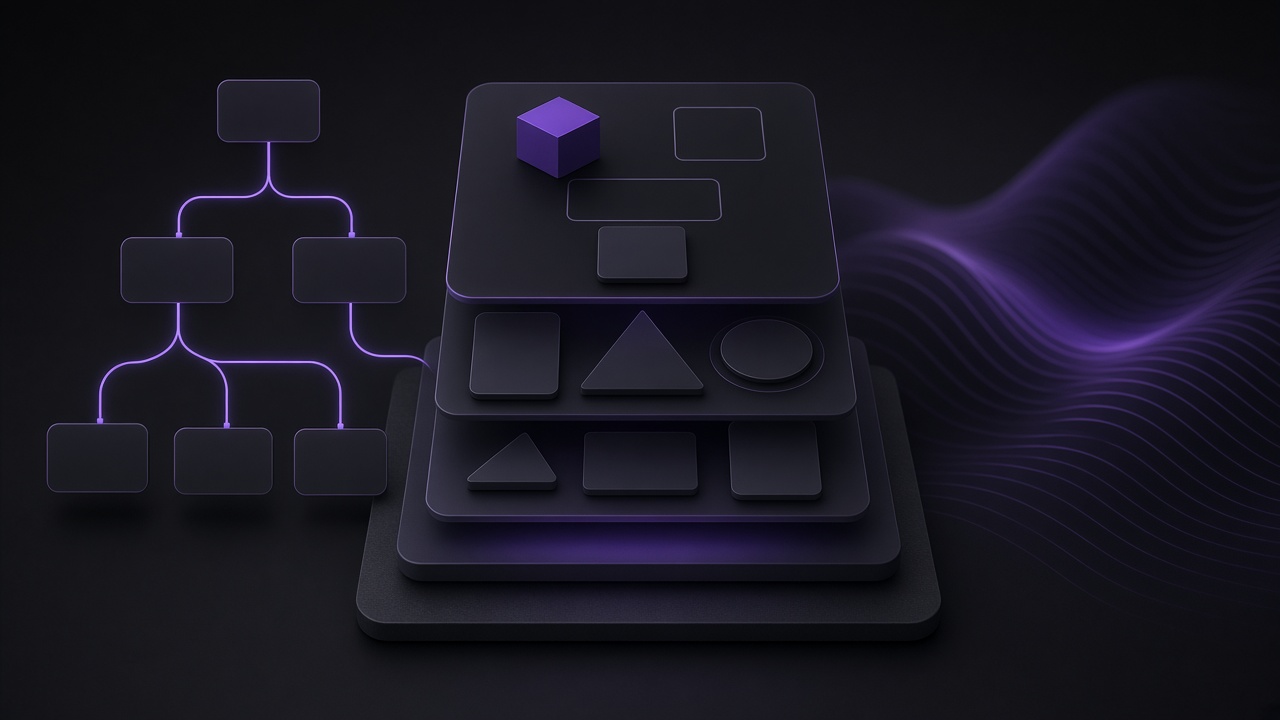
Use this ladder to decide what to fix before you sponsor a WebMCP pilot. Climb one level at a time on your highest-value conversion path—not the whole site at once.
|
Level |
Focus |
Done when |
|
L0 — Real controls |
Replace clickable div/span widgets with button and anchor elements on critical actions. |
Primary CTA, form submit, and navigation use semantic interactive tags (or explicit role and tabindex where you truly cannot). |
|
L1 — Names and labels |
Give every interactive control a programmatic name; link labels to inputs with the for attribute. |
Accessibility tree shows readable names for fields and actions on the conversion path. |
|
L2 — Stable layout |
Keep primary actions in consistent positions; reduce unexpected shifts that break screenshot or coordinate targeting. |
Add-to-cart / Book / Submit placement is consistent across templates; CLS issues on the path are controlled. |
|
L3 — Agent audit baseline |
Run Lighthouse Agentic browsing on the key templates and fix failing accessibility and stability checks first. |
Pass ratio improves on names/labels, tree integrity, visibility, and layout stability before you chase tool coverage. |
|
L4 — WebMCP on high-value flows |
Expose explicit tools for complex or brittle actuation: multi-step booking, support routing, structured applications. |
One or two revenue-critical tools are registered, schema-valid, human-confirmable for sensitive actions, and tested in an agent harness. |
web.dev’s practical checklist maps cleanly onto L0–L2: avoid transparent “ghost” overlays that hide controls, prefer semantic HTML, label inputs correctly, use cursor cues for actionability, keep interactive targets large enough for visual analysis (larger than 8 square pixels), and keep layouts stable. WebMCP sits on top as an explicit task layer.
Where WebMCP helps—and where it does not
Chrome documents WebMCP as a proposed web standard for exposing structured tools to AI agents. Sites can declare purpose—search, checkout, submit application—so agents call a tool with a JSON schema instead of guessing through every click. Chrome also describes WebMCP as progressive enhancement that can improve accuracy for agentic task completion.
That matters for brittle flows: multi-city travel booking, nested support forms, or date pickers that are obvious to humans and opaque to agents. WebMCP can also request user confirmation for sensitive actions such as purchases.
It is still early. WebMCP is available through a Chrome origin trial (from Chrome 149) and can change. Lighthouse’s Agentic browsing WebMCP audits require that experimental support. Chrome notes limitations: the API is primarily designed for local browser workflows with a human in the loop, complex interfaces may need extra state handling, and clients must visit the page to discover tools.
Also keep discoverability files in perspective. Lighthouse’s agentic category can check for an llms.txt summary at the domain root. Separately, Google Search Central states that Google Search itself does not use special AI text files such as llms.txt for generative AI Search visibility. A file that helps some agents is not a Google ranking lever.
Agent Readiness Priority Scorecard
Score each factor from 0–2. Prefer foundation work when the left column is weak. Consider a limited WebMCP pilot only when the right column is strong and one flow is clearly agent-facing.
|
Factor (0–2) |
Foundation first (semantic HTML / a11y / stability) |
WebMCP pilot readiness |
|
Critical path uses real buttons/links |
0 = mostly div widgets; 2 = semantic controls |
Needs 2 before tool work is efficient |
|
Programmatic names on inputs/actions |
0 = unlabeled; 2 = labeled and tree-clean |
Needs ≥1; prefer 2 |
|
Layout stability on conversion templates |
0 = shifting CTAs; 2 = stable placement |
Needs ≥1 |
|
Agent-facing demand is real |
Still worth fixing for humans/a11y even if demand is low |
0 = speculative; 2 = buyers/operators already using agents on the flow |
|
Flow complexity / brittleness |
Simple one-form paths may stop at L3 |
2 = multi-step, nested, or easy-to-misread widgets |
|
Engineering capacity for experimental APIs |
Foundation work compounds for humans too |
Needs ≥1 to maintain origin-trial tools and evals |
Interpretation: If foundation factors total under 8 of 12, stay on L0–L3. If foundation is at least 8 and WebMCP-side factors (demand + complexity + capacity) total at least 4 of 6, pilot one tool on one path. Do not score a vanity WebMCP rollout when unlabeled controls still fail.
Worked example: booking path for a local service business
Hypothetical: a multi-location clinic wants “AI assistants” to book consults. The marketing team proposes WebMCP tools immediately. An audit shows the Book button is a styled div, insurance fields lack associated labels, and a cookie banner overlay intermittently covers the form on mobile.
Agent Signal Ladder response:
-
Convert Book and Submit to real button elements; remove the ghost overlay covering the form.
-
Wire every field to a visible label; confirm names in the accessibility tree.
-
Stabilize the booking CTA position across location templates and reduce layout shift from late-loading widgets.
-
Re-run Lighthouse Agentic browsing and note the accessibility/stability pass ratio.
-
Only then consider a declarative or imperative WebMCP tool for book_consultation with confirmation before final submit.
In this hypothetical, WebMCP may eventually reduce multi-step guessing—but shipping tools on top of unlabeled div buttons typically produces brittle demos and false confidence.
How to validate progress
-
Inspect the accessibility tree for your conversion page in Chrome DevTools and confirm roles, names, and states match the intended actions.
-
Run Lighthouse Agentic browsing on Chrome 150+ for the same templates. Chrome documents the category as informational and unbenchmarked: use pass/fail signals and the pass ratio, not a vanity 0–100 score.
-
If you implement WebMCP, enroll in the origin trial (or enable the local testing flag), validate schema, and test with an agent harness such as Chrome DevTools for Agents before promising production reliability.
-
Keep a human completion path first-class. Agent support should not become the only way a form works.
Common failure patterns
-
Tool-first theater: announcing WebMCP while primary CTAs remain non-semantic widgets.
-
Confusing Search visibility with actuation: generative AI Search appearance still depends on indexed, snippet-eligible, useful pages—not on WebMCP registration.
-
Treating experimental audits as rankings: Agentic browsing is explicitly experimental and based on proposed standards.
-
Skipping confirmation on irreversible actions: Chrome’s WebMCP guidance highlights confirmation dialogs for sensitive tasks such as purchases.
-
Sitewide rollout before one proven path: agents discover tools by visiting pages; start with the flow customers already try to complete.
When this advice does not apply
If nobody is using browser agents against your site and your near-term goal is classic acquisition, prioritize conversion UX and crawlable content first. Agent-readiness still improves accessibility, but it should not displace broken analytics or a failing offer.
If you are building your own internal agents that call APIs directly, you may need backend tool protocols more than WebMCP. WebMCP is browser-side tooling for agents operating on the page. That is a different architecture from server-side agent orchestration.
Recommended next steps
-
Pick one conversion template and score it with the Agent Readiness Priority Scorecard.
-
Complete L0–L2 fixes on that path: semantic controls, labels, overlay cleanup, and CTA placement stability.
-
Run Lighthouse Agentic browsing and record the accessibility/stability outcomes before any tool work.
-
If demand and complexity justify it, pilot a single WebMCP tool with schema validation, confirmation for sensitive steps, and an agent test harness.
If your site needs structural remediation before agent experiments—semantic templates, accessible forms, and stable conversion paths—Oasbit’s website and SaaS development services focus on production interfaces that humans and machines can both complete. For teams also building internal agents that call business systems, see AI agent development services. Related reading: theme app extensions versus theme code edits after script-tag limits.
To pressure-test which conversion path should be made agent-ready first, book a growth strategy session.
Sources
-
Build agent-friendly websites — web.dev
-
A developer toolkit to make your website agent-ready — Chrome for Developers
-
Lighthouse agentic browsing scoring — Chrome for Developers
-
WebMCP — Chrome for Developers
-
Optimizing your website for generative AI features on Google Search — Google Search Central