Build a production AI agent when the work is multi-step, tool-dependent, and costly to keep doing by hand. Keep a chatbot when the job is mostly answering questions from a fixed knowledge base. The decision is not about how advanced the model sounds—it is about whether the system must plan, call tools, retain state, and finish a workflow.
This article gives you a clear comparison, a readiness scorecard, and a prioritization method so you can choose the right first build—before you commission development or buy another conversational widget.
Key takeaways
-
Chatbots answer. Agents execute. OpenAI describes agents as applications that plan, call tools, collaborate across specialists, and keep enough state to complete multi-step work.
-
Start with the workflow, not the model. If the process cannot be mapped—triggers, tools, approvals, success metrics—you are not ready to ship an agent.
-
Score readiness before you spend. Use the Agent Readiness Scorecard below. Low scores usually mean improve data access and process clarity first.
-
Human approval still matters. Irreversible actions—refunds, contract changes, customer writes—typically need guardrails and review, not full autonomy on day one.
Chatbot vs production AI agent
A chatbot is usually a conversational interface over documents, FAQs, or scripted flows. It can reduce repetitive questions. It typically does not own a full business process.
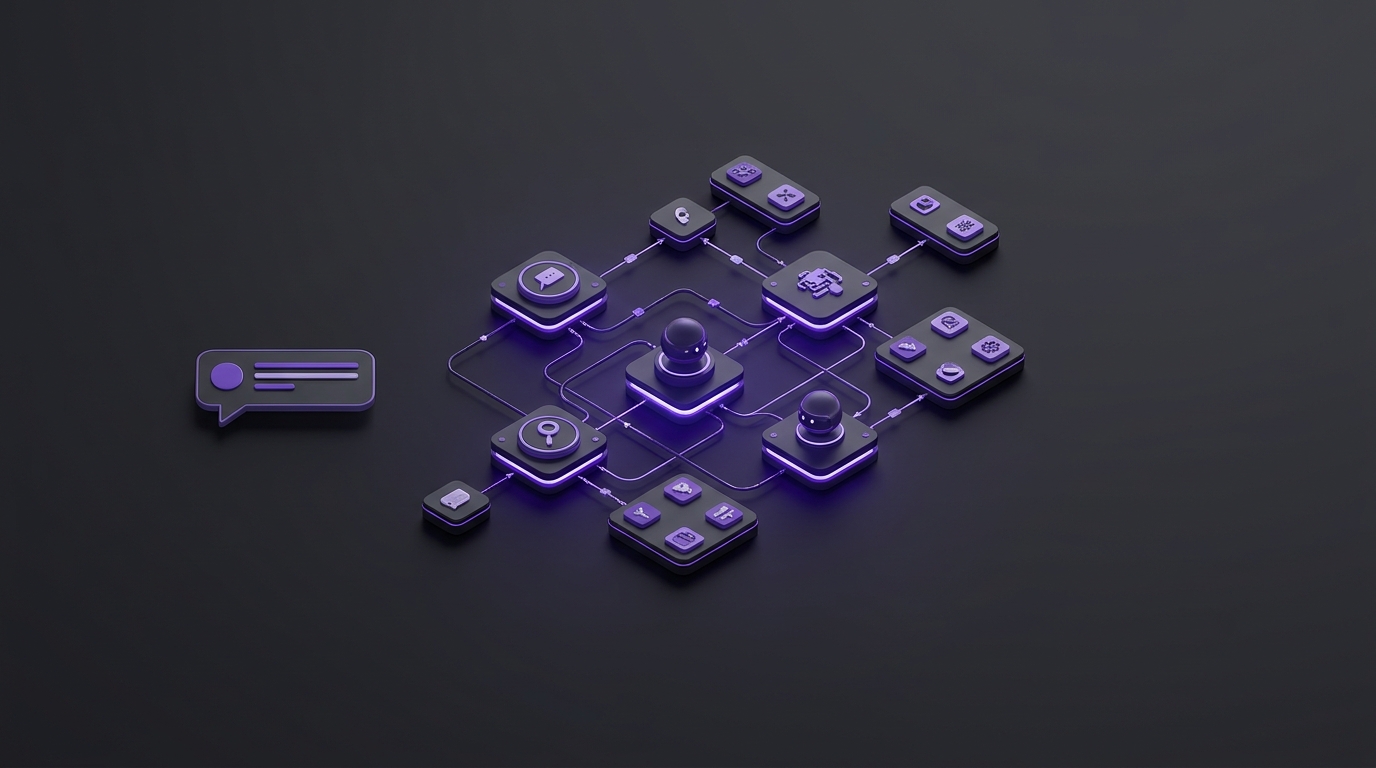
A production AI agent is built to complete work: research a request, call CRM or helpdesk APIs, maintain memory across steps, hand off to another specialist agent when needed, and stop for human approval when risk is high. That distinction matches how modern agent platforms describe the problem—orchestration, tools, sessions, and approvals—not “smarter chat.”
|
Dimension |
Chatbot is usually enough |
Production agent is typically justified |
|
Job to be done |
Answer common questions from known content |
Complete a multi-step workflow across systems |
|
Tools |
Little or no write access to business systems |
Must call APIs, CRMs, helpdesks, docs, or MCP-connected tools |
|
State |
Short conversation memory is enough |
Needs persistent context across steps, people, or handoffs |
|
Risk |
Wrong answer is inconvenient, rarely expensive |
Wrong action can create billing, compliance, or customer harm |
|
Success metric |
Deflection rate, CSAT on answers |
Completed workflows, cycle time, error rate, cost per resolution |
The Agent Readiness Scorecard
Score each factor from 1 (weak) to 5 (strong). Total possible: 30. Use this before you approve an agent project.
|
Factor |
What a 5 looks like |
What a 1 looks like |
|
Workflow clarity |
You can document triggers, steps, owners, and the definition of “done.” |
The process lives in people’s heads and changes case by case. |
|
Tool access |
Needed systems have APIs, stable permissions, and test environments. |
Critical steps require desktop logins, PDFs, or tribal workarounds. |
|
Volume and cost |
The workflow happens often enough that labor time and delay are material. |
Rare exceptions; building an agent would cost more than it saves. |
|
Data quality |
Records are structured enough for reliable lookups and updates. |
Fields are inconsistent; agents would amplify bad data. |
|
Guardrails |
You know which actions need human approval and how audit logs will work. |
No policy for permissions, escalation, or failure handling. |
|
Evaluation plan |
You can score success with sample cases, error budgets, and an owner. |
Success is “it feels intelligent” with no test set. |
How to read the total
-
23–30: Strong candidate for a production agent build. Map the multi-agent workflow, then implement with tools, memory, and monitoring.
-
15–22: Promising, but not ready to ship. Spend the next weeks on process mapping, API access, and approval rules—or ship a limited chatbot only where questions dominate.
-
6–14: Do not fund a production agent yet. Fix the operating basics first; an agent would mainly accelerate confusion.
How to prioritize the first workflow
If several teams want “an AI agent,” prioritize with three filters:
-
Repeatability: Does the same pattern show up weekly or daily?
-
Tool leverage: Can most steps be done through APIs or structured systems rather than judgment-only conversations?
-
Controllable risk: Can irreversible actions pause for human approval without destroying the time savings?
Common first wins for SMEs and service businesses include lead research and CRM hygiene, support triage with ticket updates, catalog or listing QA, and internal research-to-draft loops. FAQ chatbots remain useful—but they are a different product with different ROI math.
Worked example: regional home-services company (hypothetical)
A hypothetical multi-location HVAC company wants “AI” on the website. Marketing proposes a chatbot for service FAQs. Operations wants something that can take inbound job requests, check schedule windows, update the CRM, and draft a confirmation for a dispatcher to approve.
Scorecard for the ops workflow (hypothetical): workflow clarity 4, tool access 4 (CRM + scheduling API available), volume/cost 5, data quality 3, guardrails 4 (dispatcher must approve bookings), evaluation plan 3. Total: 23.
Decision: build a production agent for intake-to-CRM, with human approval before booking writes. Separately, a simple FAQ chatbot can still handle hours, service areas, and warranty questions. Treating those as one project usually creates a weak hybrid that neither answers well nor completes work reliably.
A practical 30-then-60 approach
A durable delivery pattern for custom agents is research before code:
-
First ~30 days: Stakeholder interviews, current-state process maps, tool/MCP inventory, multi-agent roles and handoffs, success metrics, and risk scope.
-
Next stretch to ~60 days: Implement production agents with reasoning, tool calling, memory, evaluation, monitoring, and operator handoff docs.
That sequence matters because most failed agent projects skip the mapping work and start with a demo that cannot survive messy real tickets. Modern agent stacks also emphasize guardrails and human review for risky steps—design those into the workflow early rather than bolting them on after a bad incident.
Common failure patterns
-
Calling a chatbot an agent. If it cannot call tools and finish multi-step work, it is not a production agent—even if the UI looks futuristic.
-
Automating a broken process. Agents amplify whatever process you encode. Unclear ownership and dirty CRM fields become faster failures.
-
No evaluation set. Without golden test cases, teams argue about vibes instead of completion rate and error rate.
-
Full autonomy on day one. High-impact writes should usually start with human-in-the-loop approval, then expand as evidence accumulates.
-
No operator handoff. If only the vendor understands how to restart, audit, or revise the agent, you bought a dependency—not an operating asset.
What to do next
-
List three workflows that burn the most staff time each week.
-
Score each with the Agent Readiness Scorecard.
-
Separate FAQ coverage (chatbot candidates) from multi-step tool work (agent candidates).
-
For the top agent candidate, write the tools, approvals, and success metrics before anyone writes prompts.
If you want help turning that scorecard into a Multi-Agent Workflow map and a production delivery plan, Oasbit’s AI agent development services are built around research and mapping first, then production agents with tools, memory, and multi-step execution. For broader growth sequencing across website, ads, SEO, and GEO, see our guide on how to sequence those investments in the first 90 days.
Ready to pressure-test which workflows deserve an agent—not another chat widget? Book a growth strategy session.