If Google’s AI answers now show more links, your first job is not to chase a new “AI linking hack.” Fix whether your pages are eligible to be shown as supporting links, then make a few pages clearly useful for official tasks and timely questions. On October 15, 2026, Google said it is increasing inline links and placing them higher in AI Mode and AI Overviews, testing a dedicated section for official websites, expanding timely-article carousels, and testing clickable creator and publisher names. This article gives you a Link Eligibility Ladder, an Official Link Readiness Scorecard, and a practical sequence for deciding what to fix first.
Key takeaways
More links in AI answers raise the value of being a clickable supporting source—not the value of keyword stuffing into AI prompts.
Google Search Central still says pages need to be indexed and snippet-eligible to appear as supporting links in AI features—no special AI markup required (AI features and your website).
Prioritize eligibility and official-task clarity before Preferred Sources buttons or Search profiles.
Preferred Sources can highlight your site for users who selected you, but only if you are eligible and publish fresh, relevant content.
Treat creator and publisher Search profiles as a later-stage boost for eligible brands—not the first fix for most SMEs.
What changed—and what it means for businesses
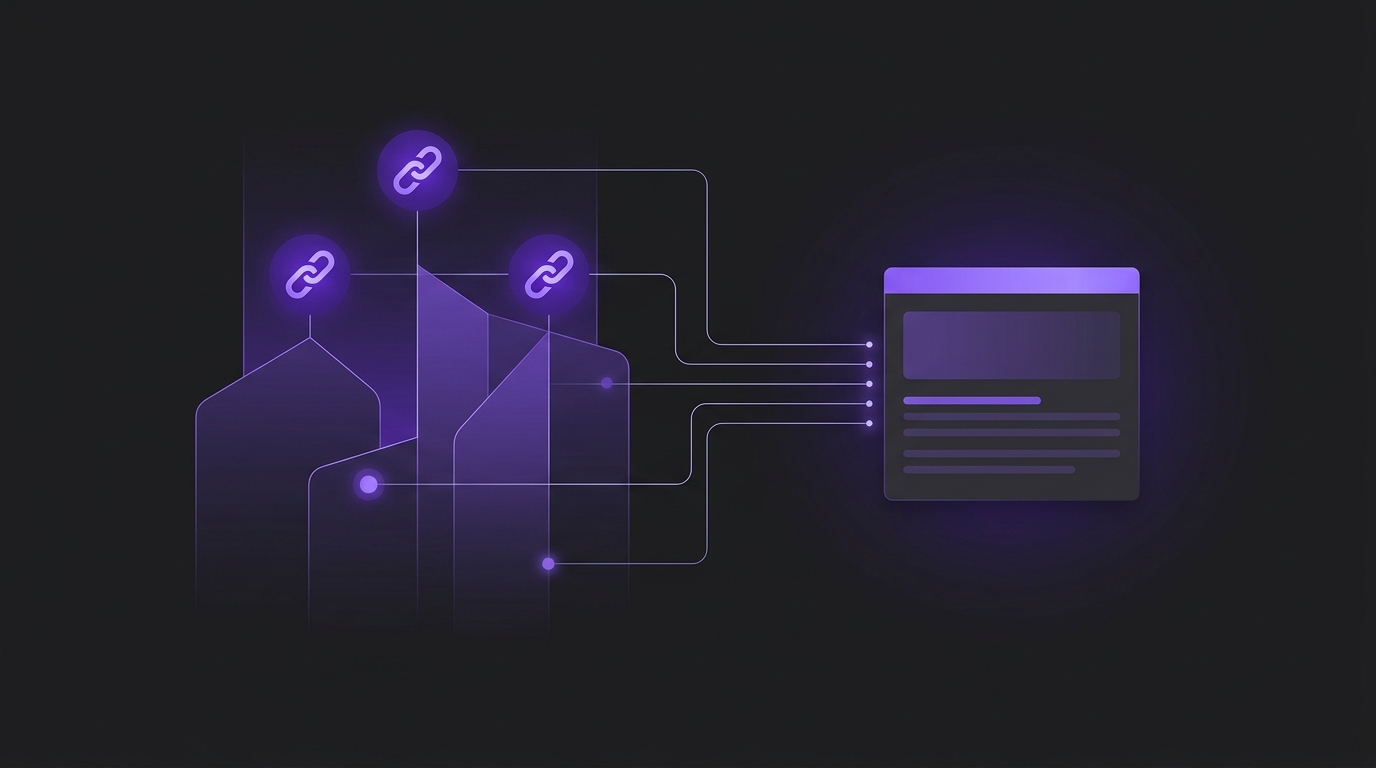
Google’s October 15 update is about making AI answers better at sending people into the web. Inline links are links embedded in words or phrases inside an AI response. Google says it has increased their presence and is showing them higher up more frequently, so key sources are easier to click while someone is still reading (Google Search blog announcement).
Google is also testing a dedicated top section for cases where only one or two official places on the web can complete a task or provide exact information—with context about why each link is useful. That is different from being one of many background citations. If buyers ask “where do I start a return,” “what is your refund policy,” or “book a demo,” the page that actually finishes the job is more likely to matter than a long explainer.
Timely-article carousels are expanding to more locations and languages, and they highlight Preferred Sources. Related-article links are becoming more prominent, and Google is testing clickable creator and publisher names that open Search profiles in AI Mode. For a business, the practical implication is simple: if you are not linkable, eligible, and clear about the jobs you finish, more links in the interface will mostly help your competitors.
Bottom line decision rule
Use this rule before you redesign content calendars or buy “AI citation” tools:
If your priority pages are not indexed or cannot show snippets, fix eligibility first. Nothing else in this article compensates for that.
If eligibility is fine but your strongest pages are generic summaries, rebuild a small set of non-commodity pages that answer buyer questions with unique proof, process, or first-hand detail.
If you already publish distinctive pages but struggle to be the obvious destination for a task, create or clarify official-task pages (pricing, booking, returns, contact, documentation, login help).
Only after those foundations, invest in Preferred Sources promotion and, if eligible, Search profile work.
This sequence aligns with Google’s own guidance that foundational SEO still applies to AI features, and that non-commodity, people-first content matters more than special AI files or markup (Google’s generative AI optimization guide).
The Link Eligibility Ladder
The ladder measures how ready your site is to benefit when AI answers show more clickable sources. Move up one level at a time. Skipping levels usually wastes effort.
L0 — Not link-eligible
Pages are blocked from crawling, not indexed, set to noindex, or restricted with preview controls that prevent useful snippets. Google states that to be eligible as a supporting link in AI Overviews or AI Mode, a page must be indexed and eligible to appear in Search with a snippet (technical requirements for AI features). If you previously tightened nosnippet and AI Overviews eligibility tradeoffs, re-check whether those controls still match your goals.
L1 — Eligible supporting source
Priority pages are indexed, crawlable, internally linked, and able to show snippets. Important answers exist as visible text—not only in images or inaccessible widgets. This is the minimum requirement for being considered when AI features choose supporting links.
L2 — Cite-worthy distinctive page
You have pages that go beyond commodity advice: original process, benchmarks from your operations, worked examples, comparison criteria, or first-hand experience. Google’s generative AI guidance emphasizes unique point of view and non-commodity content over rewriting the same tips everyone already publishes (non-commodity content guidance).
L3 — Preferred and timely candidate
Your domain can appear in source preferences, Search generative AI features are enabled in Search Console where required, and you publish fresh coverage that can appear in timely carousels for users who prefer you. Publisher documentation notes Preferred Sources can show a preferred badge in AI Mode and AI Overviews for users who selected your site (publisher guide to Preferred Sources). Sources that are not updated regularly may not be available in the preferences tool.
L4 — Official-task destination
For important buyer tasks, you have one clear official URL that completes the job: start a return, compare plans, book a consult, download a guide, check shipping, or access documentation. Google’s new test for a dedicated official-website section is expressly about cases with only one or two right places to go. Even while that display is a test, building those pages helps classic Search and AI Mode users who need the next action, not another overview.
Official Link Readiness Scorecard
Score each item 0 (no), 1 (partial), or 2 (yes). Total out of 14. Use the total to choose your next sprint.
Scorecard item | 0 | 1 | 2 |
Priority money pages are indexed and can show snippets | Blocked / noindex / nosnippet on money pages | Mixed or uncertain | Confirmed in Search Console for key URLs |
Answers live as crawlable text with clear headings | Main answers buried in PDFs, tabs, or images | Some text pages, inconsistent structure | Key answers are readable text with clear sections |
At least three non-commodity pages for buyer questions | Only commodity tip posts | One strong page | Three or more distinctive decision pages |
Official-task pages exist for top conversion jobs | Tasks scattered across chat widgets or PDFs | Tasks exist but hard to find | One clear URL per top task |
Fresh publishing cadence for topics you want preferred for | Rarely publish | Occasional updates | Predictable updates on important topics |
Preferred Sources readiness checked | Unknown / subdirectory-only brand site | Domain eligible but no reader path | Eligible domain + button or deeplink for engaged readers |
Measurement loop in Search Console generative AI reporting | Not reviewed | Checked occasionally | Reviewed monthly with page-level notes |
Interpretation: 0–5 = stay at L0–L1 and fix eligibility. 6–9 = build L2 distinctive pages and L4 task clarity. 10–12 = add Preferred Sources promotion and timely coverage. 13–14 = maintain quality and only then expand Search profile work if you meet eligibility.
Worked example: B2B services firm after the link update
Hypothetical example: a 25-person industrial services company notices AI Mode answers for “how to choose a vibration monitoring partner” summarize the category but never link their site. Their homepage ranks for brand terms. Their blog has ten “what is predictive maintenance” posts.
Scorecard reality check: indexing is fine (2), text structure is average (1), non-commodity pages are weak (0), official-task clarity is partial—consultation booking is buried (1), publishing is irregular (1), Preferred Sources unknown (0), Search Console AI report unread (0). Total: 5.
Two-week sprint based on the ladder:
Confirm the consultation, pricing overview, and service-scope pages are indexed and snippet-eligible.
Replace one commodity post with a decision page: selection criteria, disqualifiers, implementation timeline, and a comparison table of in-house vs partner models based on their delivery experience.
Make “Book a technical consult” a single obvious URL linked from every relevant answer page.
Defer Preferred Sources buttons until those three pages are live and measuring in Search Console.
The firm did not need twenty new AI keywords. They needed eligibility, one distinctive page, and one official next-step URL—the same order Google’s interface changes reward.
What to do this month
Week 1: Prove eligibility
In Search Console, verify index status for your top 10 commercial and educational URLs.
Check robots, noindex, and preview controls on those URLs. If a page cannot show a snippet, it is not a supporting-link candidate.
Confirm important answers are visible as text.
Week 2: Build L2 and L4 pages
Choose three buyer questions using the same prioritization logic as our guide to which pages to optimize first for AI search.
For each, publish or rebuild one non-commodity page with a clear recommendation, tradeoffs, and evidence.
For each conversion job, designate one official destination URL and remove competing soft CTAs that send people into dead ends.
Week 3: Preferred Sources readiness—only if L1–L2 hold
Confirm your site is domain- or subdomain-level eligible and included where required for AI Preferred Sources display (Preferred Sources publisher requirements).
If your site appears in the source preferences tool, add Google’s Preferred Sources button or a deeplink for engaged readers—not as a homepage gimmick for cold traffic.
Plan a realistic publishing cadence for topics where timely carousels matter. Irregular sites may not even appear as selectable sources.
Week 4: Optional Search profile work
Search profiles can help eligible creators and publishers surface identity context; Google’s help documentation currently lists availability in the United States, Canada, and India, with follower thresholds on supported platforms (Create a new Search profile). Most local service businesses and SMEs should treat this as optional after the ladder work—not the starting point.
Common failure patterns
Rewriting every page “for AI” while leaving booking, pricing, and policy pages confusing. More inline links reward clear destinations.
Turning on aggressive snippet blocking to “protect content,” then wondering why AI features never link you. Eligibility comes first.
Publishing fan-out farms for every related question. Google warns that creating separate pages mainly to manipulate generative responses can violate scaled content abuse policies.
Installing a Preferred Sources button before you publish anything worth preferring. The feature highlights sources users already value; it does not invent authority.
Assuming appearance is guaranteed. Meeting requirements does not guarantee crawl, index, or serving in AI features.
Limitations and exceptions
Official-website sections are described as a test, so do not plan your entire content roadmap around one UI experiment. Inline-link frequency can vary by query, model, and surface; AI Overviews and AI Mode can show different links. Preferred Sources personalization affects users who opted in—it is not a universal ranking lever. Ecommerce brands should also keep Merchant Center and Business Profile data current where product or local details appear in AI responses, as Google notes in its AI features guidance.
If your primary growth constraint is paid media inefficiency or a broken website funnel, link eligibility work still helps, but it may not be the highest-ROI project this quarter. In those cases, coordinate GEO fixes with broader generative engine optimization services rather than treating AI answer links as an isolated channel.
Recommended next steps
Score your site with the Official Link Readiness Scorecard today.
Identify your current ladder level and pick only the next level’s work.
Ship one eligibility cleanup, one distinctive page, and one official-task URL before any Preferred Sources promotion.
Review Search Console generative AI performance after changes—not third-party “citation rank” dashboards as your sole source of truth.
If you want help turning this ladder into a prioritized page list and measurement plan, book a growth strategy session. Bring your top buyer questions and your current Search Console export; we will map the fastest path from L1 eligibility to L4 official-task clarity.