
If your Shopify store relied on Scripts for discounts, shipping rules, or payment logic, those Scripts stopped executing entirely on June 30, 2026. Rebuilding everything at once is usually wrong. Start with logic that still changes margin or checkout completion on every order, then replace lower-impact rules only after revenue-critical behavior is restored.
This article gives you a prioritization ladder, a rebuild scorecard, and a clear path for choosing native Shopify tools, an App Store Functions-based app, or a custom Function on Shopify Plus.
Key takeaways
-
Shopify announced that Scripts could no longer be edited or published after April 15, 2026, and that all Scripts would cease executing on June 30, 2026.
-
Shopify’s replacement path is Shopify Functions—or public apps that already ship Functions—not a line-by-line rewrite of Script Editor code.
-
Any plan can install App Store apps that contain Functions. Only Shopify Plus can use custom apps that contain Function APIs, and some Function capabilities remain Plus-only.
-
Prioritize by business impact, not by how complex the old Script looked.
What changed—and what did not
According to Shopify’s developer changelog, Scripts migration planning should use the Scripts customizations report to identify what can move to Functions or public apps. The hard dates were explicit: editing and publishing stopped on April 15, 2026; execution stopped on June 30, 2026.
What did not change is your need for reliable checkout economics. Native amount-off, Buy X Get Y, and free-shipping discounts still cover many common promotions. Shopify’s discount documentation also notes that more advanced multi-logic discounts typically require App Store discount apps—or, on Plus, options such as Checkout Blocks—rather than custom theme hacks.
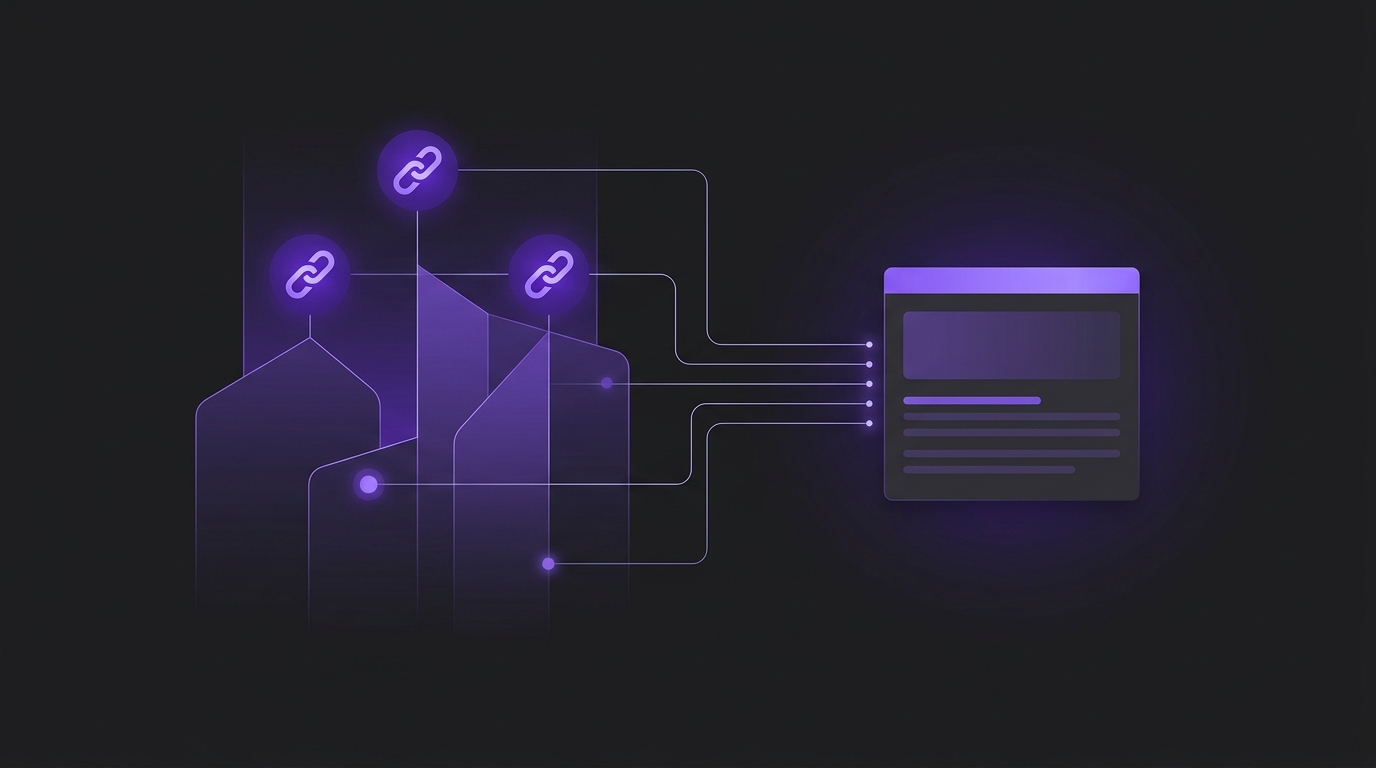
Shopify Functions customize backend commerce logic during the purchase journey. Official examples include custom discount types, payment method visibility, delivery option renaming, cart validation, order location rules, bundles, and fulfillment constraints. Functions are invoked by Shopify during checkout—not by calling a public URL.
The Script Impact Ladder
Before you hire a developer or install another discount app, classify every former Script by the impact of leaving it broken. This ladder keeps the rebuild sequence honest.
|
Level |
What the old Script did |
Rebuild urgency |
|
L0 — Absent |
No Scripts were active, or they only existed in drafts. |
None. Document that you are clean and move on. |
|
L1 — Cosmetic |
Renamed a shipping method label, reordered payment names, or changed display text. |
Low. Restore after revenue logic, unless the label confuses buyers. |
|
L2 — Operational |
Hid rarely used payment methods, applied staff-only discount patterns, or enforced low-frequency exceptions. |
Medium. Temporary manual process may be acceptable for a short window. |
|
L3 — Margin-affecting |
Automatic volume discounts, VIP tiers, wholesale percentage rules, or shipping discounts tied to cart composition. |
High. Customers can still check out, but your economics drift every day the logic is missing. |
|
L4 — Checkout-critical |
Rules that blocked invalid carts, required payment methods by region or product class, or controlled delivery options customers depend on to complete purchase. |
Immediate. Treat as an incident until replaced or temporarily mitigated. |
If a former Script sits at L3 or L4, it belongs in the first rebuild sprint. L1 and most L2 items should not block that sprint.
The Rebuild Priority Scorecard
Score each former Script from 0 to 2 on five criteria. Total possible: 10.
|
Criterion |
0 |
1 |
2 |
|
Order frequency |
Rare edge case |
Weekly pattern |
Most orders |
|
Margin or conversion impact |
Negligible |
Noticeable promo or ops cost |
Direct AOV, margin, or completion effect |
|
Native replacement fit |
Native tools cover it now |
Partial coverage |
Needs Functions or a specialized app |
|
Customer-visible breakage |
Internal only |
Support tickets rising |
Checkout friction or lost sales |
|
Measurement dependency |
No reporting relies on it |
Promo reporting distorted |
Paid media or finance depends on the rule |
Interpret the total as follows:
-
0–3: Defer. Document and schedule later.
-
4–6: Queue after the first sprint. Prefer a temporary native discount or manual process if safe.
-
7–10: Rebuild now. Choose the lightest durable replacement path below.
Note the scorecard’s “native replacement fit” column is inverted from intuition on purpose: a high score means you still need specialized tooling, so the item stays urgent if other impact criteria are also high. If native tools already cover it, the urgency of a custom rebuild drops even when the promotion itself matters.
Choose the replacement path before writing code
For each high-score item, pick one path. Do not start in custom code by default.
|
Path |
Use when |
Primary tradeoff |
|
Native Shopify discounts / shipping settings |
Amount off, Buy X Get Y, free shipping, or standard rate logic covers the need. |
Fastest restore; limited for multi-step or highly conditional commercial rules. |
|
Public App Store app with Functions |
You need Function behavior but are not on Plus, or a reputable app already matches the rule. |
Faster than custom build; you inherit the app’s configuration model and roadmap. |
|
Custom app with Shopify Functions (Plus) |
Your rule is proprietary, multi-condition, or tied to internal metafields/metaobjects no app models cleanly. |
Highest control; requires Plus for custom Function apps and ongoing ownership. |
That Plus distinction matters. Shopify’s Functions documentation states that stores on any plan can use public App Store apps that contain Functions, while only Plus stores can use custom apps that contain Function APIs. If you are evaluating whether Plus is justified for custom checkout logic, compare that against the upgrade decision covered in Shopify Advanced or Shopify Plus: How to Decide When to Upgrade. If the need is real but app-shaped, use the framing in Buy a Shopify App or Build a Custom App: How to Decide before commissioning a build.
Worked example: a mid-market brand with three dead Scripts
Consider a hypothetical apparel brand that previously ran three Scripts:
-
An automatic “buy 3, save 15%” volume rule on most collection products.
-
A payment customization that hid buy-now-pay-later for wholesale tags.
-
A shipping rename that prepended “Express” to a carrier service title.
Using the ladder: item 1 is L3, item 2 is L3 or L4 depending on how often wholesale buyers hit the wrong payment method, and item 3 is L1.
Scorecard totals in this hypothetical: volume discount 9, wholesale payment hide 7, shipping rename 2. The first rebuild week should restore the volume discount—first checking whether native Buy X Get Y or an App Store discount Function covers it—then restore payment visibility rules, and leave the rename for a later delivery customization Function or admin label change if available.
This is not a claim about one Oasbit client. It is a pattern we see when merchants treat every former Script as equally urgent and stall the revenue-critical restore.
Implementation sequence that usually works
-
Inventory with Shopify’s customizations report. Shopify specifically recommends this report to identify which Script customizations can move to Functions or public apps.
-
Classify with the Script Impact Ladder, then score. Do not skip classification. A long Script that only renamed labels is still L1.
-
Attempt native coverage for each 7–10 item. If a standard automatic or code discount restores the commercial intent, ship that first.
-
Prefer an App Store Functions app when the logic is common. This is typically the correct path for non-Plus stores that need Function behavior.
-
Commission a custom Function only for proprietary Plus needs. Shopify’s Function APIs include discount, payment customization, delivery customization, validation, and related targets—map the old Script to the correct target rather than forcing everything into discounts.
-
Test with real carts, including large carts. Shopify strongly recommends Rust for Function performance and warns that Functions can fail on large carts if performance is weak. Place test orders before you trust production promotions again.
-
Watch Function execution order. Shopify documents that cart transforms, discounts, delivery customizations, payment customizations, and validation run in a defined sequence. A payment rule that assumed pre-discount prices can behave differently after migration if you ignore that order.
Common failure patterns
-
Rebuilding the Script line by line. Functions are declarative backend logic with defined inputs and outputs. Copying Script Editor Ruby into a new file is not the migration model Shopify documents.
-
Buying five overlapping discount apps. Stacking apps can recreate Script-era conflicts. Prefer one durable owner for each commercial rule.
-
Assuming custom Functions are available on every plan. Public apps with Functions are broadly available; custom Function apps require Plus.
-
Restoring cosmetics before margin logic. A prettier shipping label does not fix a missing automatic discount that used to convert browsing shoppers.
-
Skipping post-publish verification. Place orders across guest, logged-in, tagged, and large-cart scenarios before you declare the rebuild complete.
When this advice does not apply
If you never used Scripts, you do not need a rebuild program—only a review of whether your current discount and checkout apps still meet policy and performance expectations. If your only remaining gaps are Thank you or Order status page customizations, that is a separate checkout extensibility / page upgrade track, not a Scripts Function rebuild. And if the “missing” promotion was already replaced by a native discount before June 30, 2026, treat residual Script files as documentation, not an emergency.
Recommended next steps
-
Export or review the Scripts customizations report and list every formerly active rule.
-
Assign ladder levels and scorecard totals in one working session with whoever owns merchandising and checkout operations.
-
Restore every 7–10 item through the lightest path that preserves the commercial intent.
-
Only then schedule L1/L2 cleanups and any Plus custom Function projects.
If you need help turning that inventory into a durable Shopify implementation—native discounts, Functions-backed apps, or Plus custom development—Oasbit’s website and SaaS development services cover storefront, checkout, and commerce-logic builds for growing ecommerce brands.
For a focused review of which former Scripts should be restored first on your store, book a growth strategy session.